NGO & Welfare Stores
iPOS supports ngo & welfare stores with fast billing, inventory control, customer records, purchase tracking, stock movement and detailed business reports.
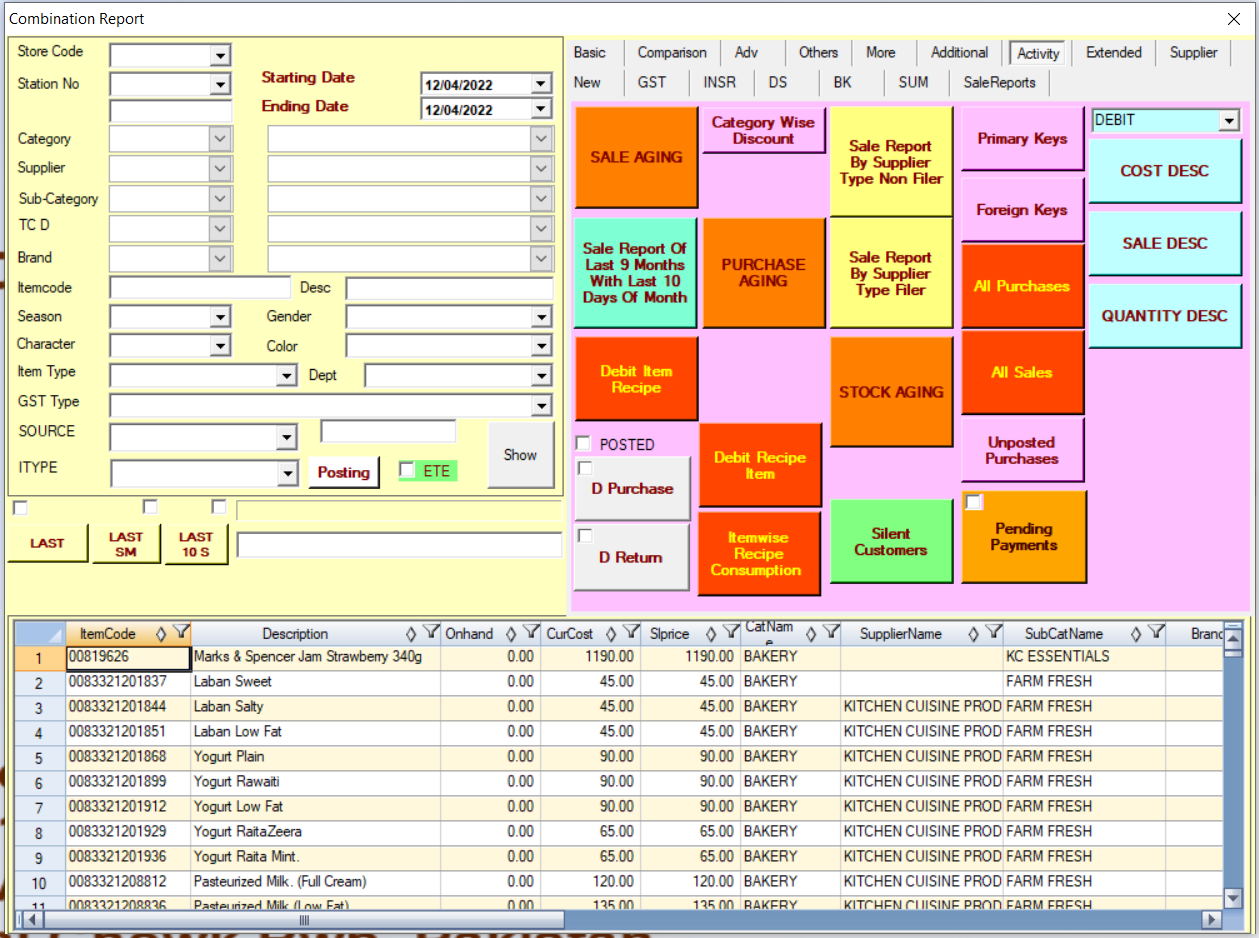
iPOS for NGO & Welfare Stores is a complete Point of Sale and inventory management solution for businesses in Pakistan that need fast billing, accurate stock control and reliable reporting. iPOS supports ngo & welfare stores with fast billing, inventory control, customer records, purchase tracking, stock movement and detailed business reports.
The system helps ngo & welfare stores manage sales counters, purchases, suppliers, customers, stock movement, user access and daily business performance from one practical platform.
Whether you operate one outlet or multiple branches, iPOS can be configured around your products, pricing, workflows and reporting needs so your business runs more efficiently.
- POS billing workflow designed for NGO & Welfare Stores
- Inventory, purchase and stock movement control
- Customer, supplier and account tracking
- Daily sales, profit and management reports
- Configurable setup for single outlet or multi-branch operations
Questions customers usually ask
Clear answers for setup, customization and daily use.
Is iPOS suitable for NGO & Welfare Stores?
Yes. iPOS can be configured for NGO & Welfare Stores with billing, inventory, purchase, customer and reporting workflows.
Can iPOS manage inventory for NGO & Welfare Stores?
Yes. iPOS helps track stock, purchases, sales, adjustments and movement so owners can control inventory more accurately.
Does iPOS support reports for NGO & Welfare Stores?
Yes. iPOS provides sales, stock, purchase, customer, supplier and management reports for better business decisions.
Can iPOS work for multiple branches of NGO & Welfare Stores?
Yes. iPOS can support single-location and multi-branch operations depending on the required setup and workflow.
How can NGO & Welfare Stores get started with iPOS?
Contact iPOS with your business type, number of counters, branches and reporting needs, and the team will recommend the right setup.